termstart
terminal themed bookmark manager for web browsers
overview
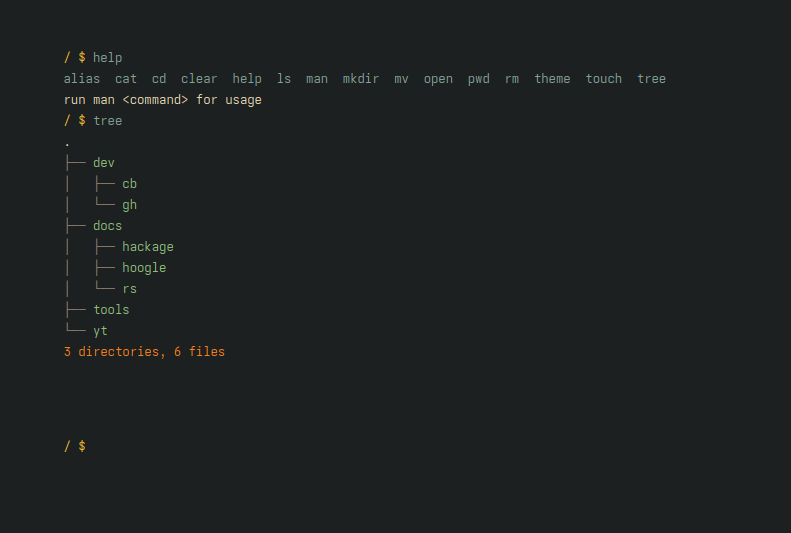
manage bookmarks like how you would manage files in a terminal but on a keyboard driven website
behaves like a small shell:
- navigate directories
- create/delete/move files and directories
- store bookmark URLs in files
- open bookmark files in a new tab
- persist everything to
localStorage
why
i always switched between bookmark managers, i used raindrop for a long time on mac, but on linux i didnt find
a solution that fits me. first i written a plain html only page and used it as the new tab, but it was a pain to manage bookmarks
there with hand. i started to add keyboard shortcuts with plain js (this was back in 2021) for each bookmark so i didnt have to use the
mouse to open them. at some point i just gave up and used plain text to store links. since i lived in the terminal, i wrote a script to
interactively select a bookmark then open it in browser, and this is where i got the idea from. i implemented a very basic prototype in
2022 with a simple input bar, where i could type commands like add <key> <url>, ls, open <key>
this is how it looked like back then: